Purchasing new domains
To buy one or more domains, click on the ‘Buy domains’ button in the upper-right corner of the section. The following modal window should open.
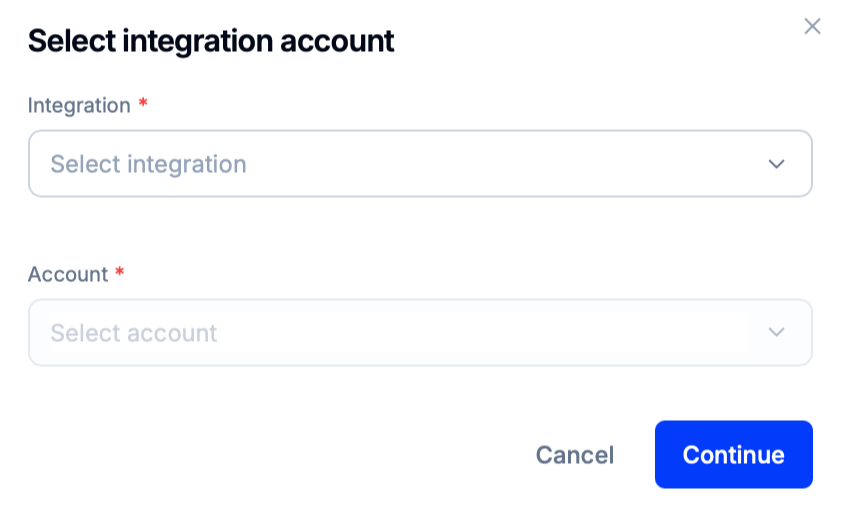
In the ‘Integration’ dropdown, select one of the available domain sellers from whom the domain(s) should be purchased. Then, choose the account whose balance should pay for the new domain(s). The ‘Account’ dropdown will also display the current balance of the available accounts.
Click on ‘Continue’ to proceed to the domain purchase wizard.
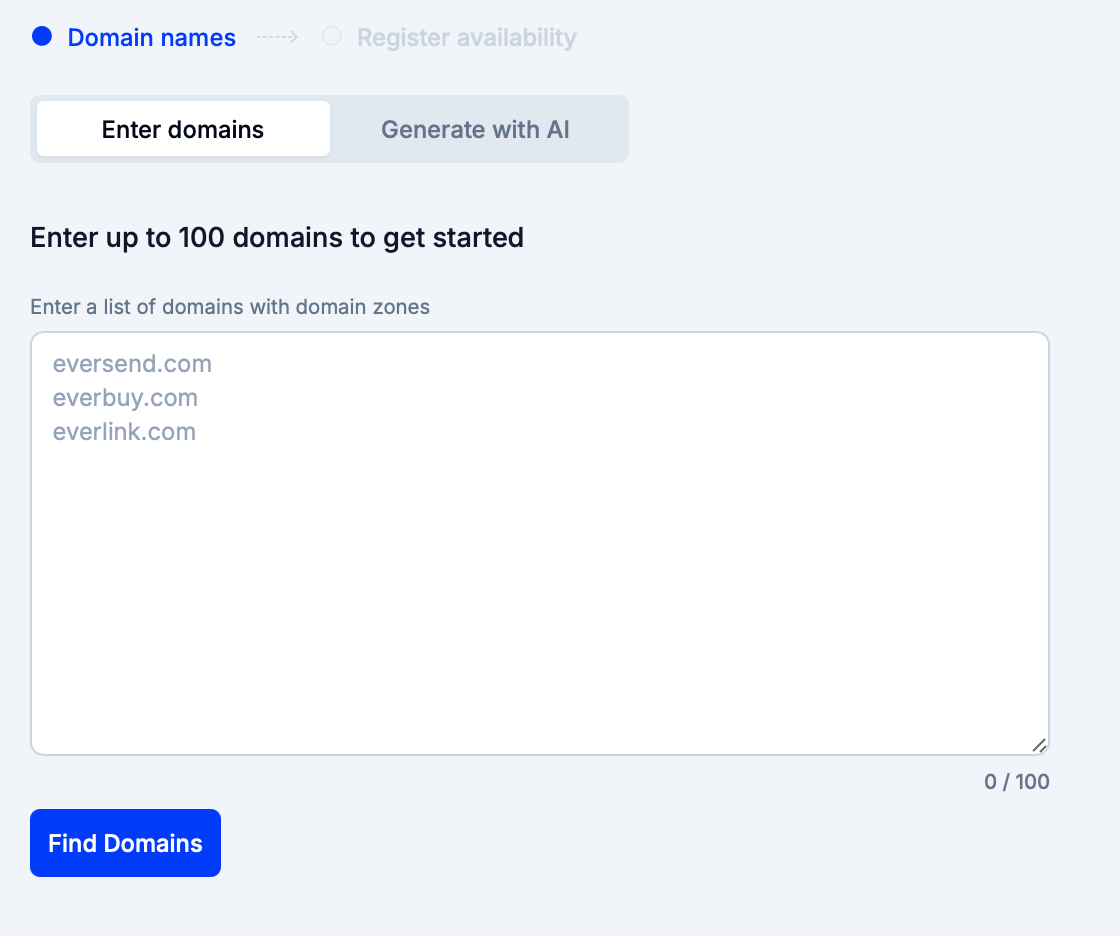
In the Enter domains tab, manually set the names and the domain zones of the domains that should be purchased. Click on ‘Find Domains’ to proceed.
Alternatively, switch to the Generate with AI tab and enter keywords that describe the content that will be hosted at the domain. Then, select the TLD from the dropdown list below. Press the ‘Generate domains’ button to continue.
Saving progress
Any progress made in the domain purchasing wizard can be saved at any moment. To do so, click on ‘Save draft’. If the wizard is closed, it will reopen the currently saved domain purchase request. To delete the last saved purchase request, press ‘Reset’.
In the ‘Register availability’ block, Eversend will display which domains are currently available for purchase and which ones need to be regenerated. If a domain needs to be changed, click on ‘Regenerate’ to open a modal window containing the possible regeneration options.
Name | Definition |
|---|---|
Modify with Prefixes and Suffixes | Add prefixes and/or suffixes to the domain name. |
Letter Duplication | Duplicate a random letter in the domain name. |
Add a Dash | Insert a dash into the domain name. |
Alternate TLD | Change the TLD. |
After enabling the necessary switches, click on ‘Regenerate’.
Then, select the domains that need to be bought and press ‘Buy domains’ to proceed with the purchase.
Tip
Domains are purchased with an automatic one-year renewal period.