Adding new integrations
When in the API integrations section, click on the ‘Add account’ button in the upper-right corner to create a new integration. The following block will appear to the right.
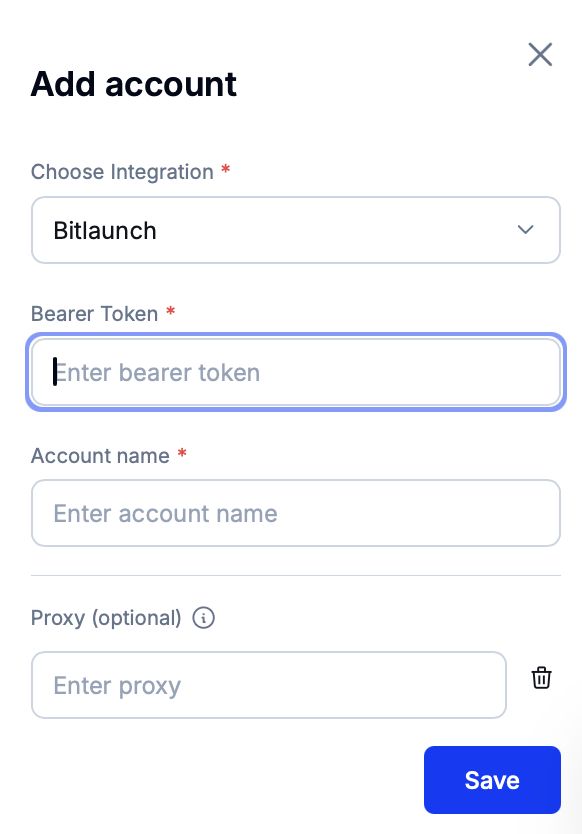
Select the services provider for the integration in the first dropdown menu.
Then, set the bearer token for authorizing with the chosen provider as well as the account name. Optionally, fill the proxy string.
BitLaunch example
Inside BitLaunch, the authorization token is located inside the ‘API’ page in the Account section.
Press ‘Save’ to add the new integration.
Proxies
If a proxy string is set when creating a new integration, all requests to the chosen services provider will be routed via the specified proxy. This can be useful if the services provider (e.g., NameCheap) uses IP whitelisting as a proxy can ensure that all requests come from a static IP. Alternatively, a proxy with a rotating URL may help in bypassing rate limits.
Proxy strings inside Eversend have to be formatted as follows.
protocol://user:password@host:portThe following protocols are supported by Eversend:
http,socks,socks5.