Personal details
Switch to the Personal details section to modify the account of the currently authorized user.
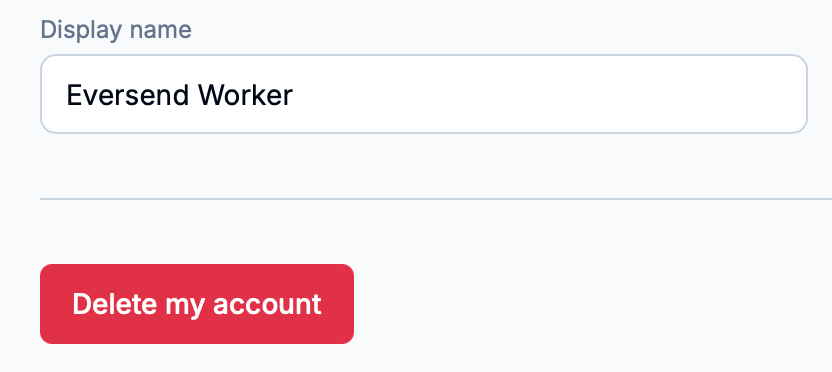
Managing the workspace account
To change the account display name, set the new name in the input field and then press the ‘Save’ button.
To delete the account, click on ‘Delete my account’.
Info
It is not possible to delete an account if it is the only administrator of a team workspace. In this case, it is necessary to either delete the workspace first or transfer the administrator role to another user.
Logging out
To log out of the currently authorized workspace account, click on the ‘Log out’ button in the sections list to the left.
Defining the default timezone
It is also possible to change the default timezone that Eversend uses to display all timestamps and other parameters related to time.
To do so, perform either of the following actions.
Check the ‘Use my device’s timezone’ checkbox. Eversend will use the timezone of the currently used device as the default timezone.
Uncheck the ‘Use my device’s timezone’ checkbox. Then, use the ‘Defaut timezone’ dropdown menu to select a custom default timezone.