Configuring resource creation
Edited
Switch to the Resource creation tab in the Members section to configure resource creation permissions in bulk.
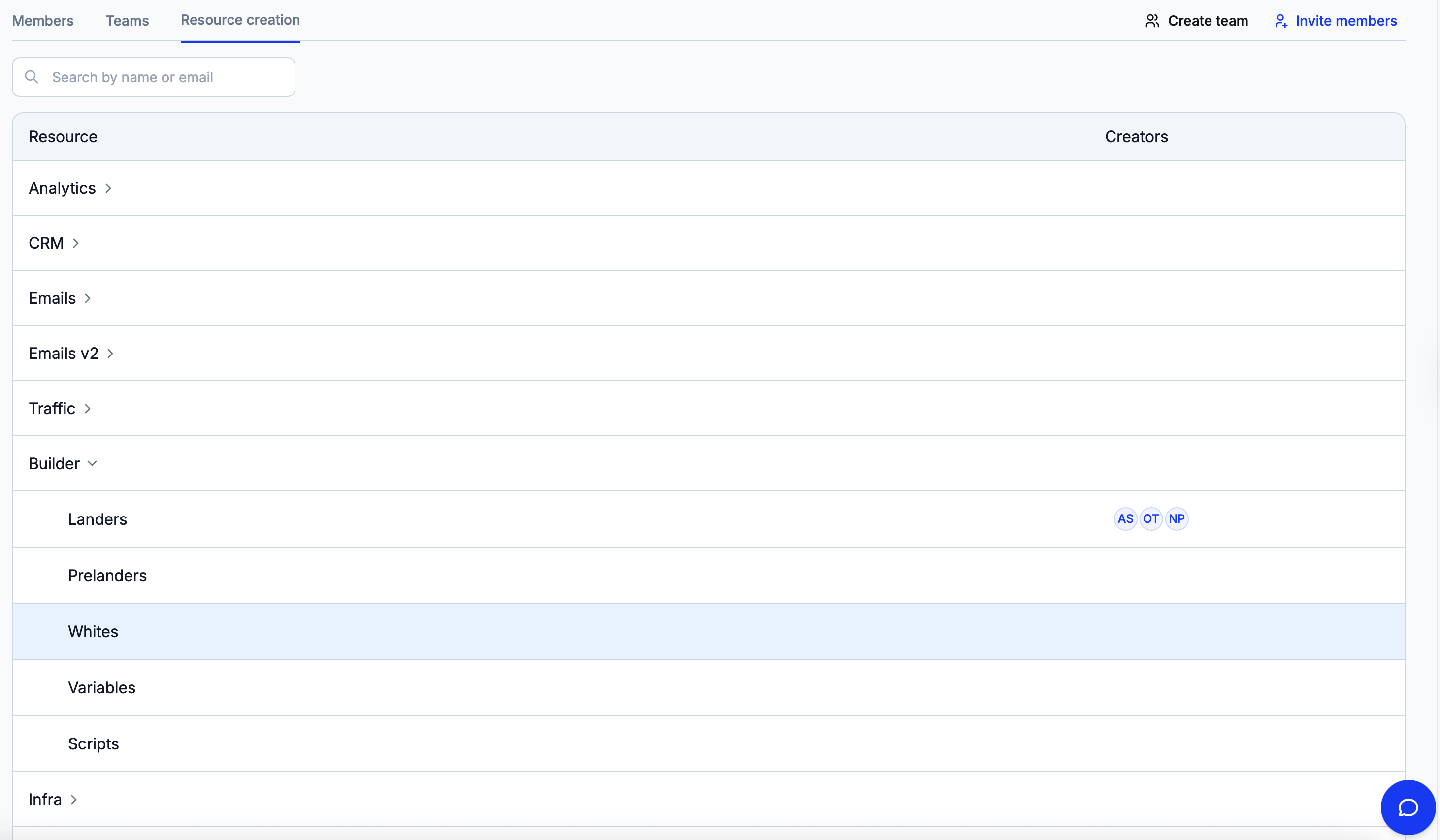
Click on the name of a module to open a list of its sections.
If at least one member can create resources in a section, their initials will be displayed in the ‘Creators’ column. Click on this list of creators to give resource creation permissions to more members. Alternatively, remove existing members from the list.